
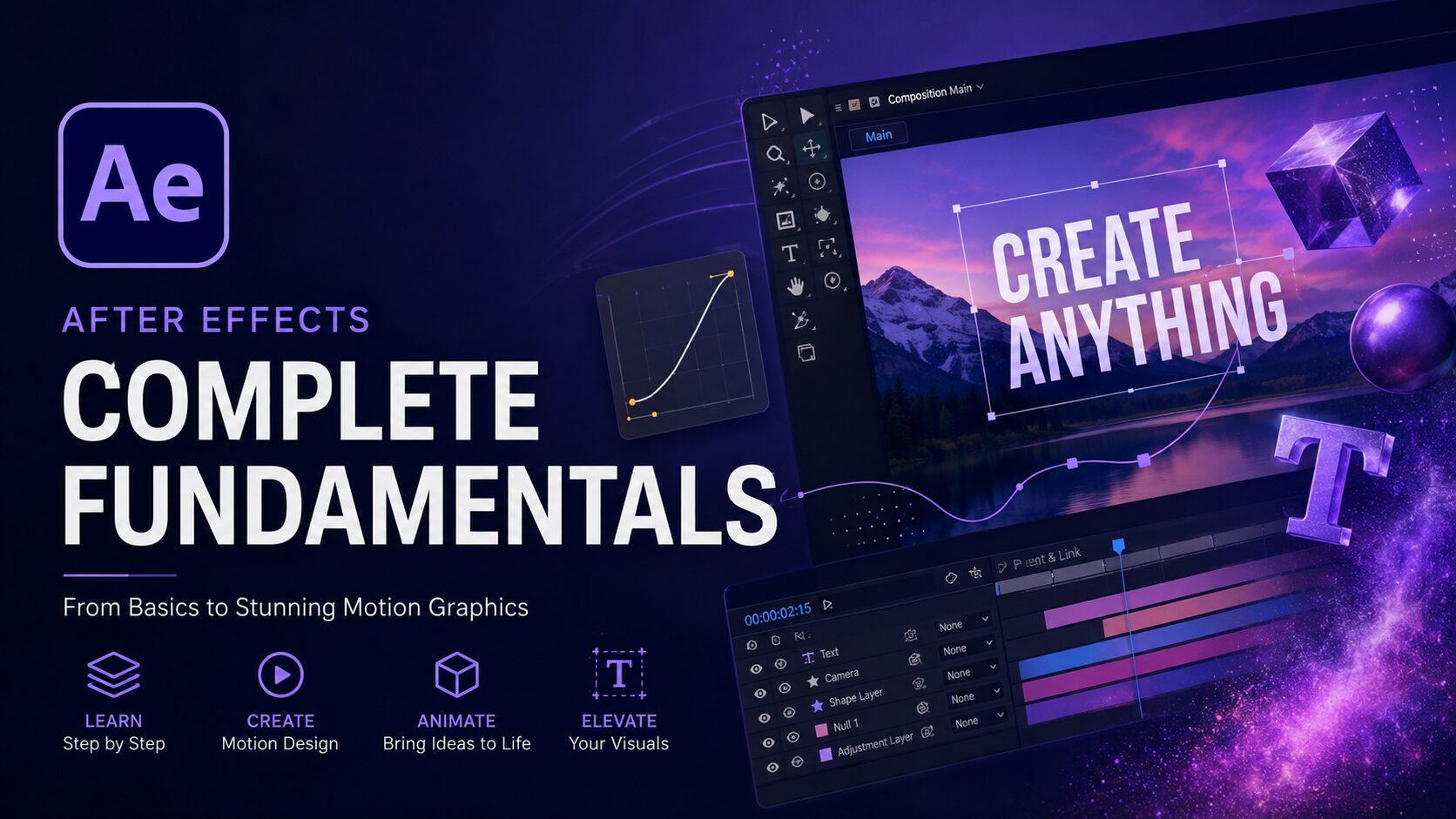
Introduction to After Effect

Categories: Animation, Motion Graphic

About Course

This course introduces the essential tools and techniques of Adobe After Effects for beginners. Students will learn the complete workflow of creating motion graphics, from organizing project files and understanding the interface to animation principles, masking, 3D space, cameras, rendering, and typography animation.

By the end of the course, students will be able to produce professional-quality motion graphics using industry-standard workflows.

Course Content

Module 1 — Getting Started with After Effects
Master the After Effects workspace, project organization, and asset importing.

  • Lesson 1. Managing Work Files
    02:08
  • Lesson 2. After Effects User Interface
    15:32
  • Lesson 3. Importing Assets
    16:29

Module 2 — Building Your First Animation
Create smooth animations using shape layers, keyframes, and animation principles.

Module 3 — Layer Relationships & Compositing
Organize and enhance compositions with parenting, masks, pre-comps, and track mattes.

Module 4 — Introduction to 3D Space
Build depth and perspective using 3D layers, cameras, lighting, and renderers.

Module 5 — Typography Animation
Animate typography with paths, write-on techniques, and text animation tools.