
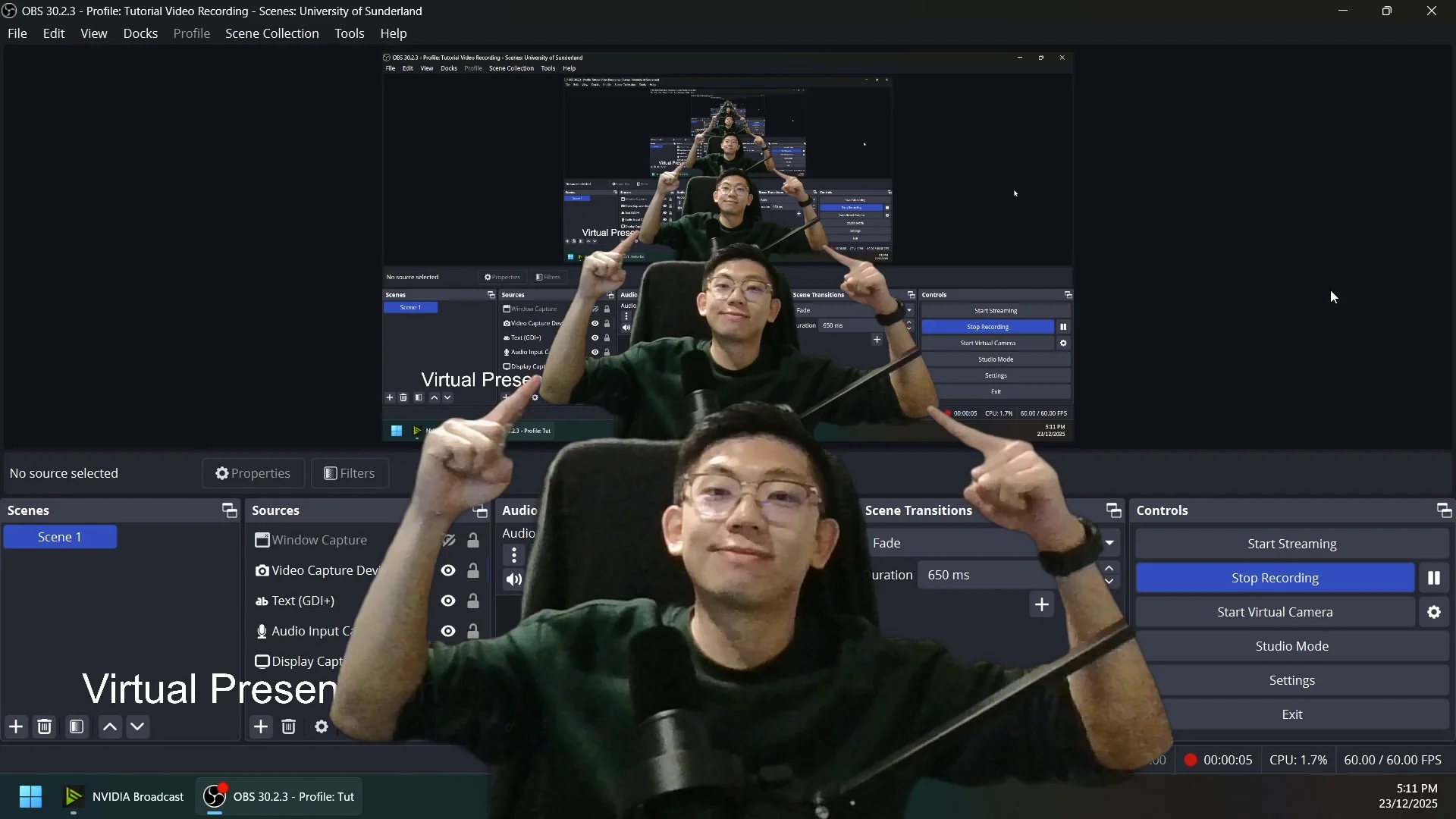
Virtual Presentation setup using OBS Studio

Categories: Presentation
Wishlist Share

About Course

A quick guide to setting up a simple virtual presentation using OBS Studio. Learn how to create more professional recorded presentations that improve audience engagement, strengthen visual communication, and enhance your credibility as a presenter through effective scene setup, camera arrangement, screen sharing, and presentation techniques.

Download here: https://obsproject.com/

What Will You Learn?

  • Understand the basic functions and interface of OBS Studio
  • Set up scenes, sources, microphones, webcams, and screen capture
  • Create professional-looking virtual presentation layouts
  • Record presentations with clear audio and video quality
  • Improve presentation delivery and audience engagement techniques
  • Use visual arrangement and framing to strengthen presentation credibility
  • Manage transitions, overlays, and presentation flow effectively
  • Export and prepare recorded presentations for online submission or sharing

Course Content

Introduction & Setup
A simple overview of the basic settings to help you get started with setting up a virtual presentation using your webcam. You will learn how mask your video using NVIDIA Broadcast and the built in Masking tool.

  • Setup Scenes, Input & Output in OBS Studio